Mobile applications, commonly known as mobile apps, have become an essential part of modern life. From communication and entertainment to education and productivity, mobile apps help users perform tasks quickly and efficiently using smartphones.
For beginners, understanding how mobile apps work may seem difficult. This guide explains mobile apps in a simple and easy-to-understand way, focusing on how they function and why they are important.
What Is a Mobile App?
A mobile app is a software application designed to run on mobile devices such as smartphones and tablets. These apps are created to perform specific tasks or provide services to users.
Mobile apps are usually downloaded from official app stores and installed directly on a device for easy access.
Types of Mobile Apps
Mobile apps can be divided into different types based on how they are built and used. The most common types include native apps, web apps, and hybrid apps.
Native apps are developed for a specific operating system, while web apps run inside a browser. Hybrid apps combine features of both.
How Mobile Apps Are Installed
Mobile apps are installed through official app stores provided by the operating system. These stores check apps for basic security and compatibility before making them available to users.
Once installed, the app becomes part of the device and can be accessed anytime without visiting a website.
How Mobile Apps Work
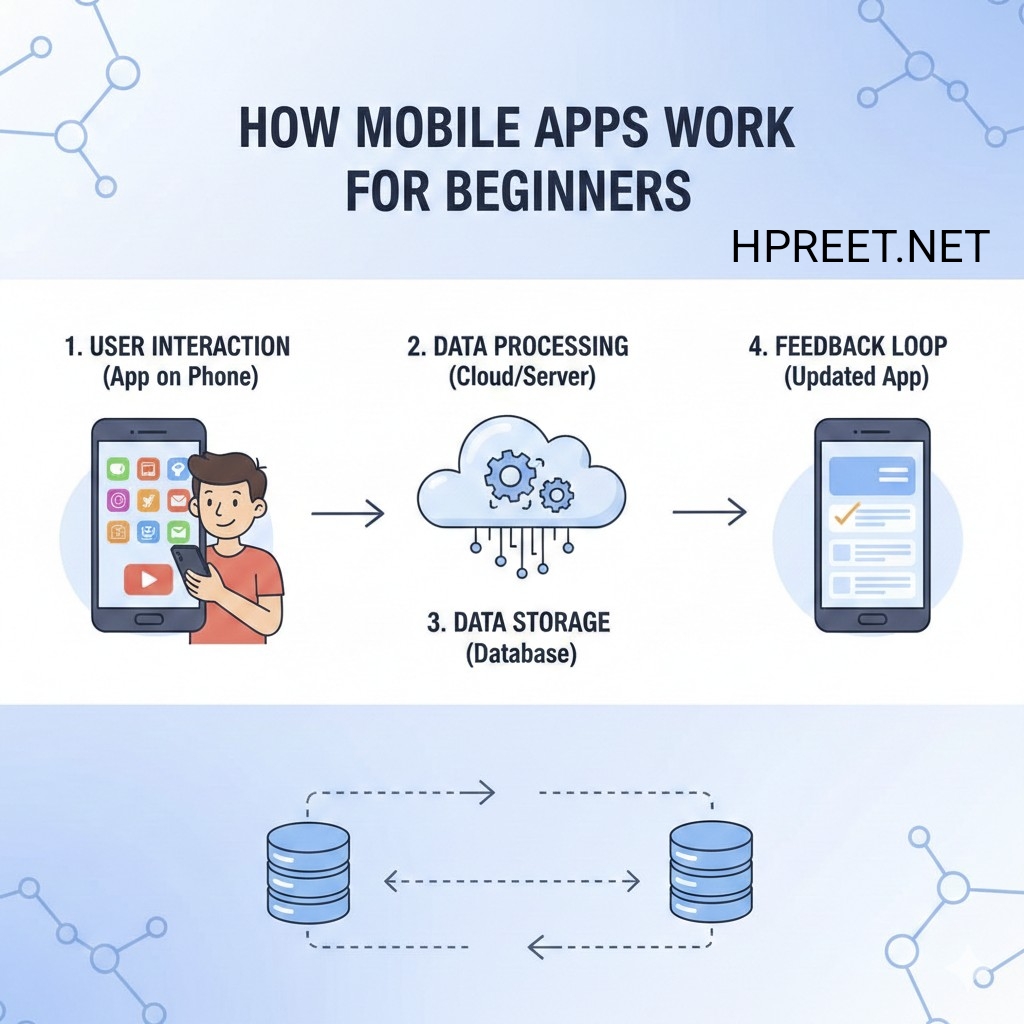
Mobile apps work by interacting with the device’s hardware, software, and internet connection. When a user opens an app, it runs code that displays content and responds to user actions.
Some apps work offline, while others require an internet connection to fetch data from servers.
Role of the Internet in Mobile Apps
Many mobile apps rely on the internet to function properly. Internet connectivity allows apps to fetch data, update content, and sync information across devices.
Apps like social platforms, news apps, and cloud-based tools depend heavily on internet access.
Mobile App User Interface
The user interface of a mobile app is the visual part that users interact with. A clean and simple interface improves usability and user satisfaction.
Good mobile apps focus on easy navigation, readable text, and responsive design.
Permissions in Mobile Apps
Mobile apps often request permissions to access features such as camera, storage, or location. These permissions help apps provide specific functionality.
Users should always review permissions carefully before granting access to protect their privacy.
Updates and Maintenance
Mobile apps are regularly updated to fix bugs, improve performance, and add new features. Updates help keep apps secure and compatible with new device versions.
Regular maintenance ensures a smooth user experience over time.
Why Mobile Apps Are Important
Mobile apps provide convenience by allowing users to complete tasks quickly. They save time and offer better performance compared to mobile websites in many cases.
Apps are widely used in education, business, entertainment, and daily communication.
Mobile Apps for Beginners
Beginners should start by understanding basic app usage and security. Downloading apps from trusted sources and keeping them updated is essential.
Learning how apps work helps users make informed decisions and avoid unnecessary risks.
Common Misunderstandings About Mobile Apps
Some users believe all apps are safe or free. In reality, apps may include ads, in-app purchases, or data collection practices.
Reading app descriptions and reviews helps avoid confusion.
Future of Mobile Apps
Mobile apps continue to evolve with new technologies. Improved performance, better design, and enhanced user experience are shaping the future of mobile applications.
Understanding mobile apps today prepares users for future digital advancements.
Final Thoughts
Mobile apps are a powerful part of modern technology. By understanding how they work, beginners can use them more confidently and safely.
Learning the basics of mobile apps helps users take full advantage of their smartphones in daily life.