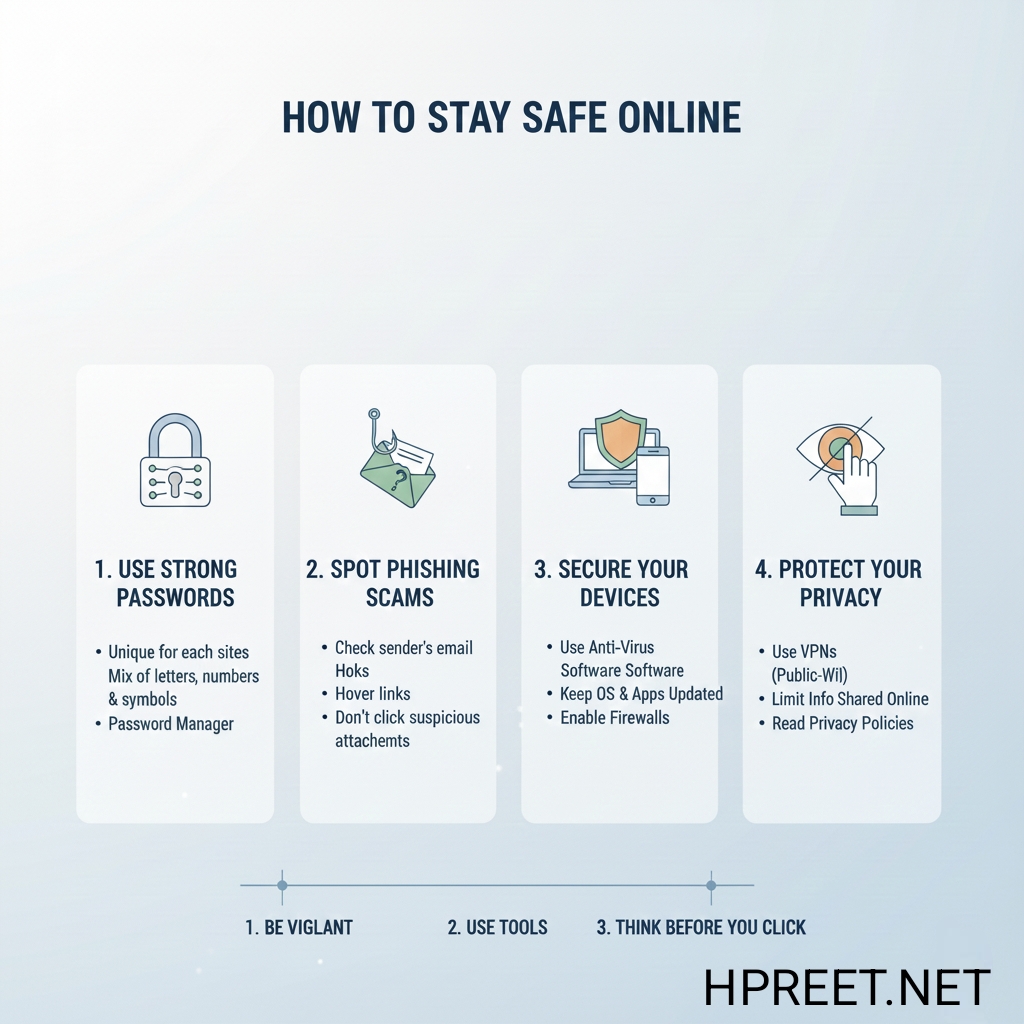
Staying safe online has become very important in today’s digital world. As more people use the internet for learning, communication, and daily activities, understanding online safety basics helps protect personal information and avoid common risks.
This guide is written for beginners to explain how to stay safe online using simple habits and responsible practices. Online safety is not about fear, but about awareness and smart usage.
Why Online Safety Is Important
The internet provides many benefits, but it also contains risks such as data misuse, scams, and misleading information. Without proper knowledge, users may unknowingly share sensitive information.
Being aware of online safety helps users protect their privacy, devices, and digital identity while browsing websites or using apps.
Use Strong and Unique Passwords
Passwords are the first line of defense for online accounts. Weak or repeated passwords make it easier for unauthorized access.
Users should create strong passwords using a combination of letters, numbers, and symbols. Avoid using personal information such as names or birthdates.
Be Careful with Personal Information
Personal information should not be shared openly on websites, apps, or social media platforms. Details like phone numbers, addresses, and identity information should be protected.
Always check website privacy policies before sharing any personal data.
Recognize Suspicious Links and Messages
Some online messages or links may look genuine but are designed to mislead users. These links often ask for personal details or direct users to unknown websites.
Avoid clicking on suspicious links received through emails, messages, or unknown sources. Always verify before taking action.
Use Secure Websites
Secure websites use HTTPS instead of HTTP. HTTPS indicates that the connection between the browser and website is encrypted.
Before entering any sensitive information, check that the website address starts with “https://”.
Keep Devices and Software Updated
Regular software updates help fix security issues and improve device protection. Outdated software may contain vulnerabilities.
Always install updates for operating systems, browsers, and apps from official sources.
Be Careful on Public Wi-Fi
Public Wi-Fi networks are convenient but less secure. Avoid accessing sensitive accounts or sharing personal information on public networks.
If possible, use trusted networks or mobile data for important tasks.
Understand App Permissions
Mobile apps often ask for permissions to access device features. Users should review these permissions carefully.
Grant only necessary permissions and avoid installing apps from untrusted sources.
Avoid Misinformation
Not all information available online is accurate. Misinformation can cause confusion or poor decisions.
Verify information using trusted sources before believing or sharing it.
Teach Safe Practices to Beginners
Sharing online safety knowledge with beginners, children, or new users helps create a safer internet environment.
Encourage responsible browsing habits and awareness of digital risks.
Final Thoughts
Staying safe online is a continuous learning process. Simple habits such as using strong passwords, avoiding suspicious links, and protecting personal information can significantly reduce risks.
By practicing online safety daily, users can enjoy the benefits of the internet while protecting their digital presence.